
A winter storm shuts down a regional carrier hub for two days. Your delivery estimate, calculated on a normal week, doesn’t know that happened — it just keeps confidently promising the same window it always has. Multiply that by every order placed during the disruption, and you’ve got a wave of broken promises nobody saw coming until the complaints started.
Weather disruptions are unpredictable by nature, but your response to them doesn’t have to be. Here’s how to handle delivery estimates when the forecast turns against you.
Why This Is Different From a Planned Holiday
A holiday closure is known months in advance and can be added to your holiday list ahead of time. A weather disruption is the opposite — it shows up with little to no warning, and by the time you know about it, orders have often already been placed under your normal estimate.
| 🎯 NOTE No delivery estimate plugin, including QuickShipD, can automatically detect a live weather event and adjust in real time. This is a genuine limitation across the entire category — the fix is a manual process, not a setting you enable once. |
What to Do the Moment You Know Disruption Is Coming
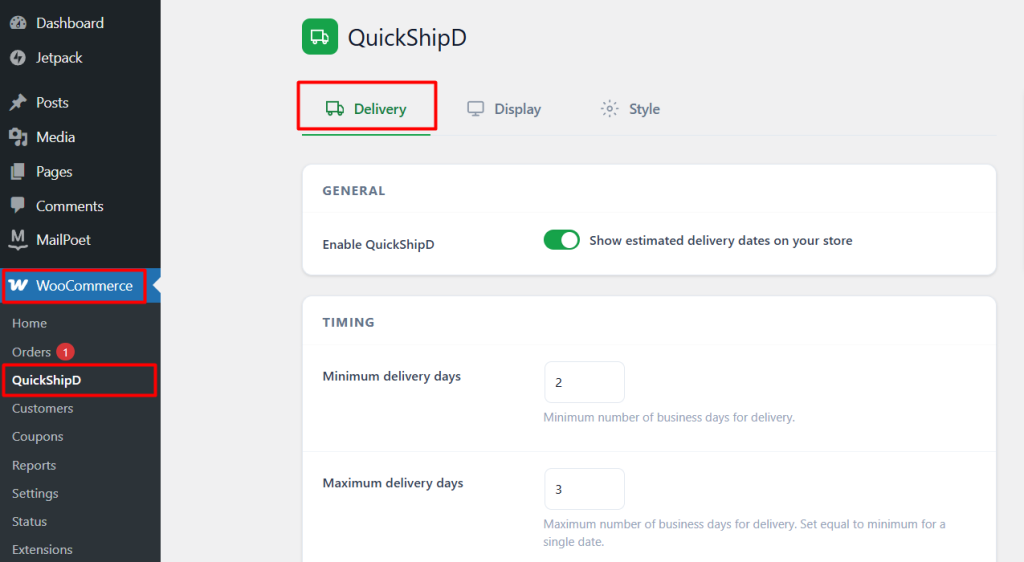
If a storm is forecast to hit your region or your carrier’s hub, widen your delivery estimate immediately — even before the disruption actually starts — for orders placed from that point forward. It’s better to look slightly conservative for a day than to keep promising a window you already suspect won’t hold.
| 🚧 IMPORTANT Don’t wait for confirmation that the disruption has fully hit before adjusting. By the time it’s confirmed, you’ve likely already taken orders under a promise you can’t keep. |
Communicating With Customers Who Already Ordered
Widening your estimate protects new orders, but it doesn’t help customers who ordered before the disruption under the old promise. For those, a proactive email explaining the delay — sent before they ask, not after — is the better move than hoping they don’t notice.
Reverting Once It’s Over
Once carrier operations return to normal, revert your delivery days back to their standard setting. Checking in with your carrier’s service alerts page is a reasonable way to confirm operations have actually normalized, rather than guessing.
React Fast, Revert Just as Fast
Weather disruptions can’t be predicted by any delivery estimate plugin, but the response to them doesn’t have to be slow. Widen your estimate as soon as you have reason to expect delays, and revert it just as promptly once things return to normal.
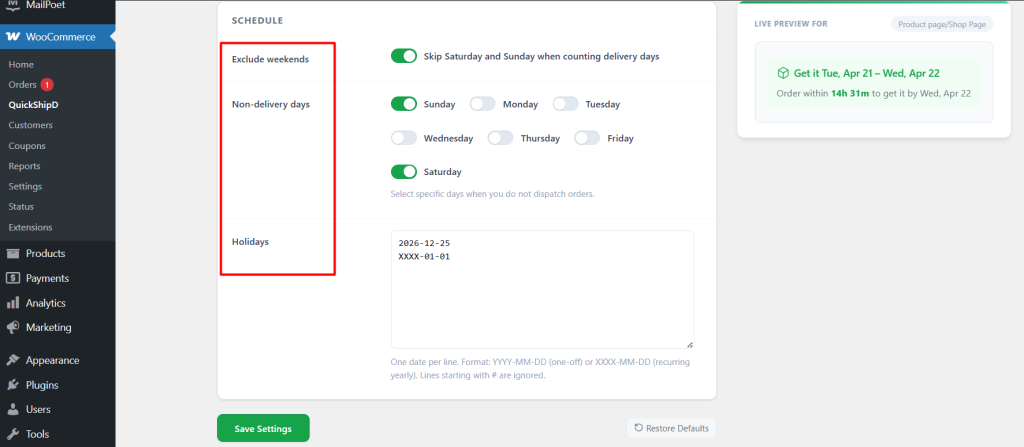
If you manage estimated delivery dates in WooCommerce with QuickShipD, its Delivery tab makes both of those adjustments a quick settings change.