
You’ve put a delivery estimate on your product page and it’s working. Then a paid ad sends a shopper straight to a landing page that skips the product page entirely — and that same delivery information is nowhere to be found. The customer who clicked your ad because of a promise you made never actually sees it reinforced.
Here’s where else delivery information deserves a spot beyond the standard product page, and where it genuinely doesn’t need to be.
Why Ad Traffic Needs the Same Reassurance
A shopper clicking a paid ad has already shown intent — they’re closer to buying than a random organic visitor. That also means they’re evaluating faster, and a landing page missing basic delivery information can lose them right when they were most ready to convert.
| 🎯 NOTE This matters most for landing pages built separately from your standard product template — custom sales pages, campaign-specific pages, or pages built with a page builder that bypasses your usual product layout. |
Where QuickShipD Fits on Custom Landing Pages
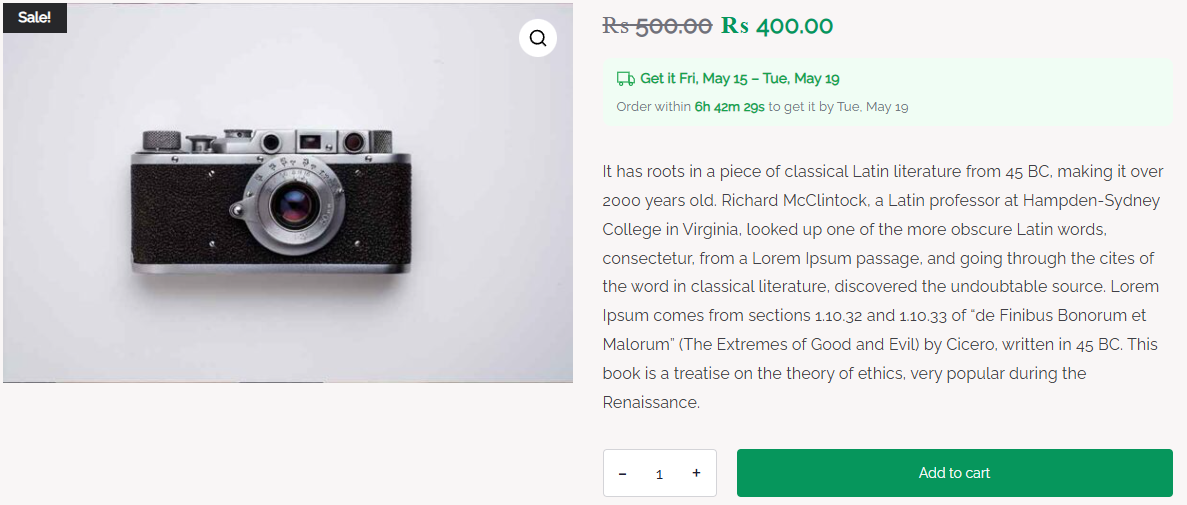
If your landing page is still a standard WooCommerce product page with custom styling, QuickShipD’s display continues to work as configured — no extra setup needed, since it’s hooking into the same underlying product template.
The honest limitation: if your landing page is a fully custom page built outside the standard WooCommerce product template — a dedicated sales page built with a page builder that doesn’t call the standard product hooks — QuickShipD’s automatic display may not appear there by default. In that case, you’d need to manually add the same delivery message as static text matching your calculated window, or check whether your page builder supports inserting WooCommerce’s standard product elements.
| 🚧 IMPORTANT If you manually add delivery text to a custom landing page, make sure it matches what QuickShipD calculates on the actual product page. A mismatch between your ad’s landing page and the product page it links to is a fast way to lose trust right after the click. |
Should It Go in the Ad Itself?
For Google Shopping specifically, delivery information can appear directly in the ad through your Merchant Center shipping settings — a separate configuration covered in more depth elsewhere on this blog. For social ads and display ads, a short delivery mention in the ad copy itself (“Get it by Friday”) can work, as long as it’s genuinely accurate for the audience you’re targeting.
Keep the Promise Consistent From Click to Cart
Ad traffic deserves the same delivery reassurance as any other visitor, and it’s worth checking whether your specific landing page setup actually carries that information through. A mismatch between what an ad implies and what the landing page shows undoes the trust the click was supposed to build.
QuickShipD handles this automatically on standard product pages, and gives you the accurate numbers to replicate manually anywhere it doesn’t.