
“Add $12 more for free shipping” is one of the most effective small nudges in eCommerce — it’s specific, it’s actionable, and it usually works. But shown on its own, it’s only answering the cost half of the customer’s decision. The timing half is still a blank.
Here’s how to combine your free shipping threshold messaging with a delivery estimate, so the nudge to add more to the cart comes with a complete picture, not half of one.
Why the Threshold Message Alone Leaves a Gap
A customer who sees “add $12 more for free shipping” is being asked to spend more money based on a cost incentive alone. If they’re also wondering whether the order will arrive in time for whatever they need it for, that unanswered question can outweigh the savings and stall the decision entirely.
Showing both pieces of information together — the threshold nudge and the delivery window — removes that stall point instead of leaving it for the customer to resolve on their own, possibly by leaving.
| 🎯 NOTE This combination works especially well on the cart page, where a customer is already weighing whether to add one more item and needs both the cost and timing picture to decide. |
Where to Place Both Messages Together
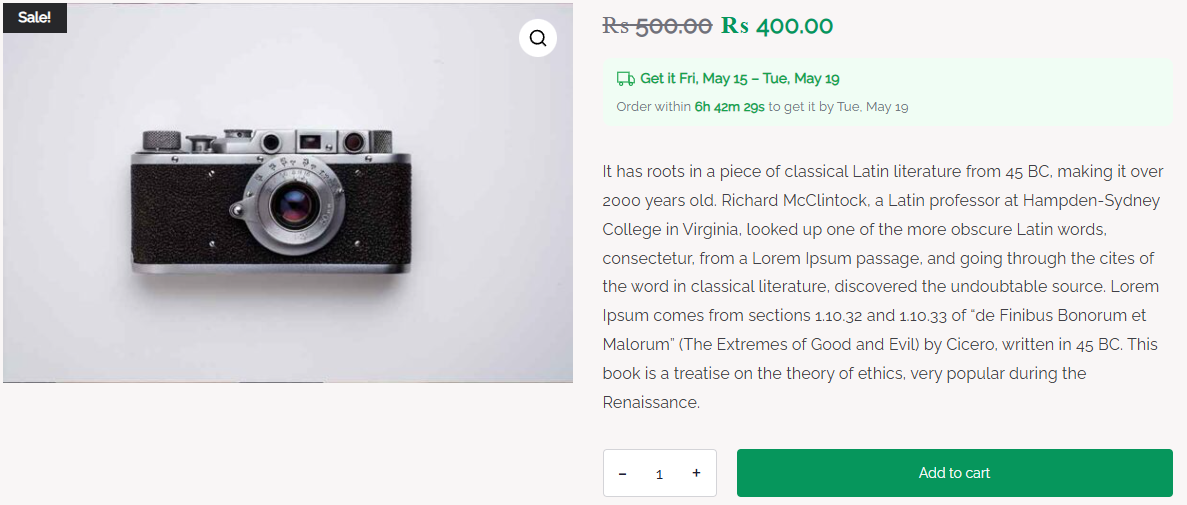
The cart page is the natural spot for this pairing, since it’s where free shipping threshold messages typically already live. QuickShipD’s cart display, enabled from the Display tab, shows the delivery estimate per line item, which sits naturally alongside a threshold progress message.
One honest note: QuickShipD calculates and displays the delivery estimate; it doesn’t manage or generate the free shipping threshold message itself. That typically comes from your theme, a dedicated free shipping bar plugin, or WooCommerce’s own free shipping method settings, running alongside QuickShipD rather than through it.
| 💡 PRO TIP If you’re using a separate free shipping bar plugin, check that its placement doesn’t visually crowd or push out your delivery estimate on smaller screens — both messages need enough space to be read clearly. |
Give the Full Picture, Not Half of It
A free shipping threshold nudge works best paired with the other piece of information a customer needs to decide: when the order will arrive. Together, they answer the cost and timing questions in the same glance, right where the decision is being made.
QuickShipD handles the delivery half of that pairing automatically on your cart page.